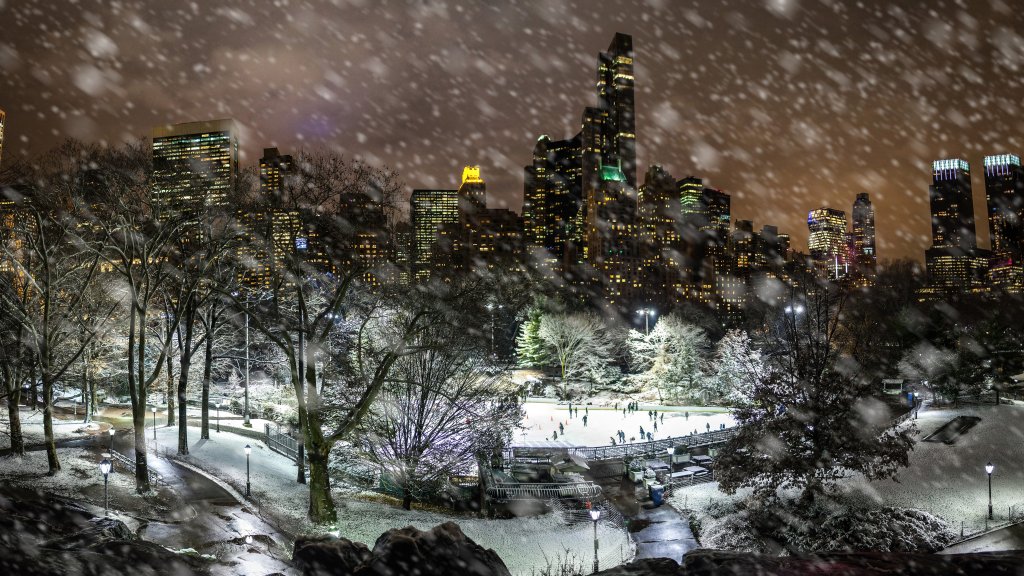
Skating Rink, New York City, NY
Sign in to add this photo to your favorites and desktop wallpaper rotation.
Skating rinks in New York City offer a quintessential winter experience, with several iconic locations that attract both locals and tourists. One of the most famous skating rinks is the Rink at Rockefeller Center, located in Midtown Manhattan. Opened in 1936, it is renowned for its picturesque setting beneath the towering Rockefeller Christmas Tree during the holiday season. Despite its relatively small size, it remains a popular attraction due to its central location and historic significance. Another popular venue is the Wollman Rink in Central Park, which offers a larger skating area and stunning views of the Manhattan skyline. Opened in 1949, it provides a scenic and spacious environment for skaters. During the warmer months, it transforms into a venue for other activities, such as roller skating or concerts. Bryant Park Winter Village is another notable skating destination. Located behind the New York Public Library, it features a free-admission rink (with skate rentals available) and a festive holiday market. The park's central location and vibrant atmosphere make it a favorite spot for both skating and socializing. These rinks, along with others throughout the city, offer a range of experiences, from romantic outings to family-friendly activities, making ice skating a beloved winter tradition in New York City.