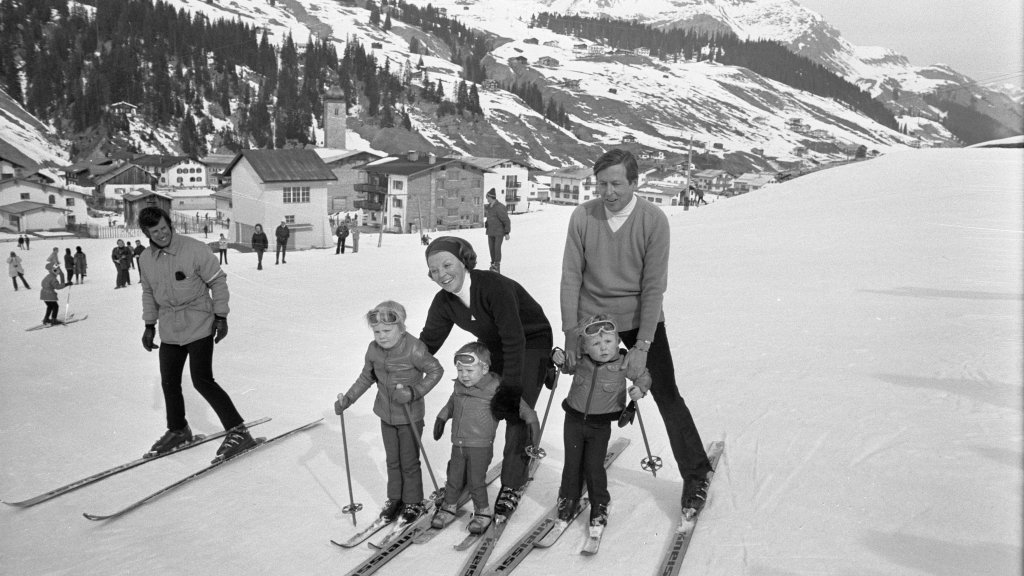
Princess Beatrix, Prince Claus and Children, Lech, Austria
Sign in to add this photo to your favorites and desktop wallpaper rotation.
Princess Beatrix of the Netherlands, born on January 31, 1938, served as the Queen of the Netherlands from 1980 until her abdication in 2013. She is the daughter of Queen Juliana and Prince Bernhard. Beatrix married Claus von Amsberg, a German diplomat, on March 10, 1966. Despite initial controversy due to Claus's German nationality and his service in the German army during World War II, he became a well-respected member of the Dutch royal family. Prince Claus and Princess Beatrix had three children: King Willem-Alexander, Prince Friso, and Prince Constantijn. Willem-Alexander, born on April 27, 1967, is the current King of the Netherlands. Prince Friso, born on September 25, 1968, tragically passed away in 2013 following a skiing accident in 2012. Prince Constantijn, born on October 11, 1969, is involved in various professional and charitable activities. Lech, Austria, is a well-known ski resort and a favored destination for the Dutch royal family. The family has a tradition of visiting Lech for skiing holidays, and it was during one of these holidays in 2012 that Prince Friso was caught in an avalanche, leading to his severe injuries and eventual passing. The royal family's visits to Lech are often covered by the media, highlighting their connection to the area and their love for winter sports.