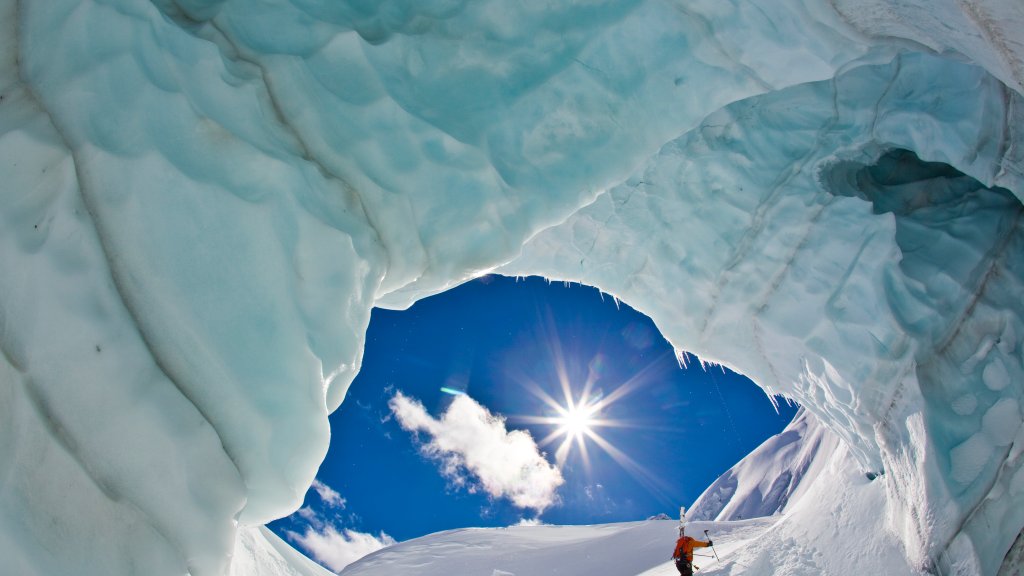
Icefall Lodge, Canadian Rockies, Golden, BC
Sign in to add this photo to your favorites and desktop wallpaper rotation.
An Icefall Lodge is a remote backcountry lodge located in the Canadian Rockies near Golden, British Columbia. It is renowned for offering a pristine wilderness experience, particularly for those interested in skiing, mountaineering, and hiking. The lodge is situated in a stunning alpine setting, providing access to vast expanses of untouched snow and rugged mountain terrain. The lodge is typically accessed via helicopter, as it is located in a remote area that is not accessible by road. This isolation ensures a serene environment, free from the crowds often found in more accessible mountain destinations. Visitors to An Icefall Lodge can enjoy a range of outdoor activities, with ski touring being one of the most popular. The surrounding terrain offers a variety of routes suitable for different skill levels, from gentle slopes to challenging descents. In addition to winter activities, An Icefall Lodge is also a destination for summer adventures. Hiking and mountaineering are popular during the warmer months, with numerous trails and peaks to explore. The lodge itself provides comfortable accommodations, with amenities designed to offer a cozy retreat after a day of outdoor exploration. Overall, An Icefall Lodge is a sought-after destination for outdoor enthusiasts looking to experience the beauty and challenge of the Canadian Rockies in a remote and tranquil setting.