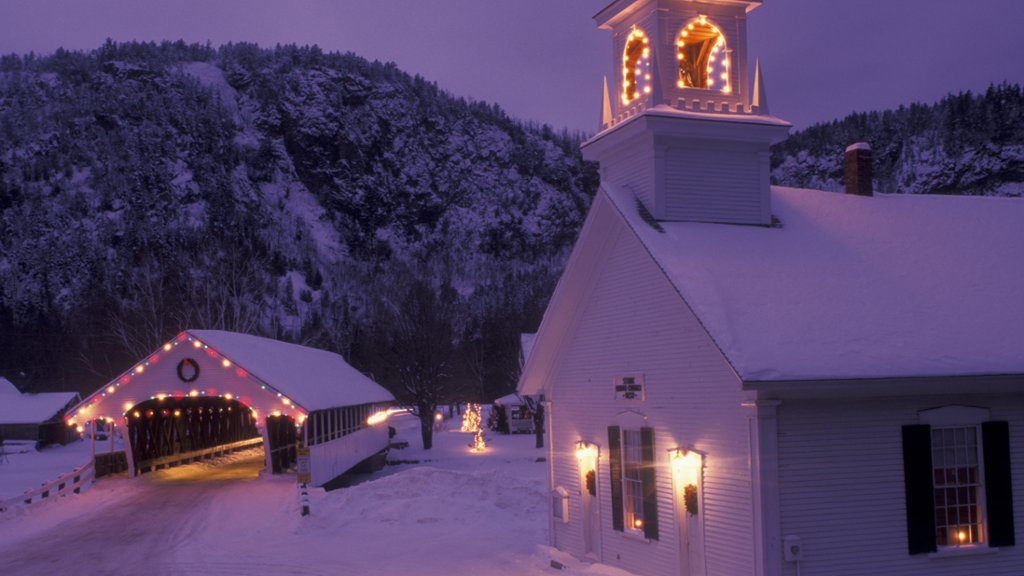
Church and Covered Bridge, New Hampshire
Sign in to add this photo to your favorites and desktop wallpaper rotation.
New Hampshire is a state located in the New England region of the northeastern United States. It is bordered by Vermont to the west, Maine to the east, Massachusetts to the south, and the Canadian province of Quebec to the north. The state's motto is "Live Free or Die," and it is known for its rugged natural beauty, including the White Mountains and the Lakes Region. New Hampshire is the fifth smallest state by area and the tenth least populous state in the United States. The capital city is Concord, while the largest city is Manchester. The state is known for its low taxes, lack of a general sales tax, and its primary role in the presidential primary election process. New Hampshire has a diverse economy, with industries such as manufacturing, tourism, and agriculture playing significant roles. The state is also home to several prestigious colleges and universities, including Dartmouth College and the University of New Hampshire. Overall, New Hampshire is known for its natural beauty, outdoor recreational opportunities, and a high quality of life for its residents. It is a popular destination for outdoor enthusiasts, with activities such as skiing, hiking, and boating readily available.