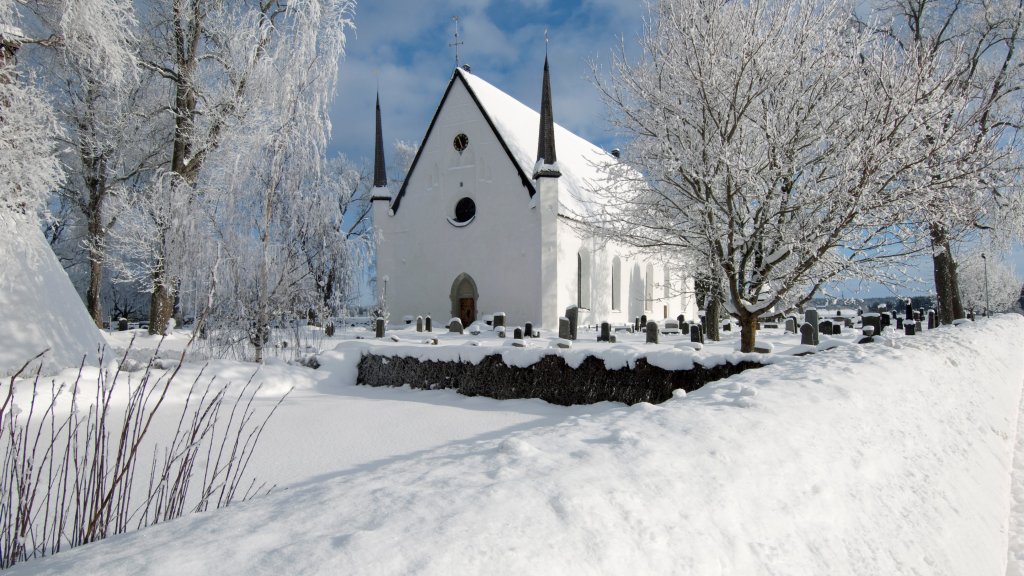
Church, Tierp, Uppland, Sweden
Sign in to add this photo to your favorites and desktop wallpaper rotation.
The Church in Tierp, located in the province of Uppland, Sweden, is known as Tierp Church (Tierps kyrka). This historic church is part of the Church of Sweden and belongs to the Archdiocese of Uppsala. It is a medieval church, with its origins dating back to the 14th century, although it has undergone several renovations and restorations over the centuries. The architecture of Tierp Church is typical of medieval Swedish churches, featuring a stone construction with a wooden roof. The church is noted for its beautiful interior, which includes medieval frescoes that were uncovered during restoration work. These frescoes are significant examples of medieval art and depict various biblical scenes and saints. The church also houses a number of historical artifacts, including a medieval baptismal font and a wooden altarpiece. The altarpiece is particularly noteworthy for its intricate carvings and detailed artwork, which are characteristic of the period. Tierp Church serves as an important cultural and historical landmark in the region, attracting visitors interested in Sweden's medieval history and ecclesiastical architecture. It continues to function as an active parish church, hosting regular services and community events. The church's setting in the picturesque landscape of Uppland adds to its charm and appeal for both locals and tourists.