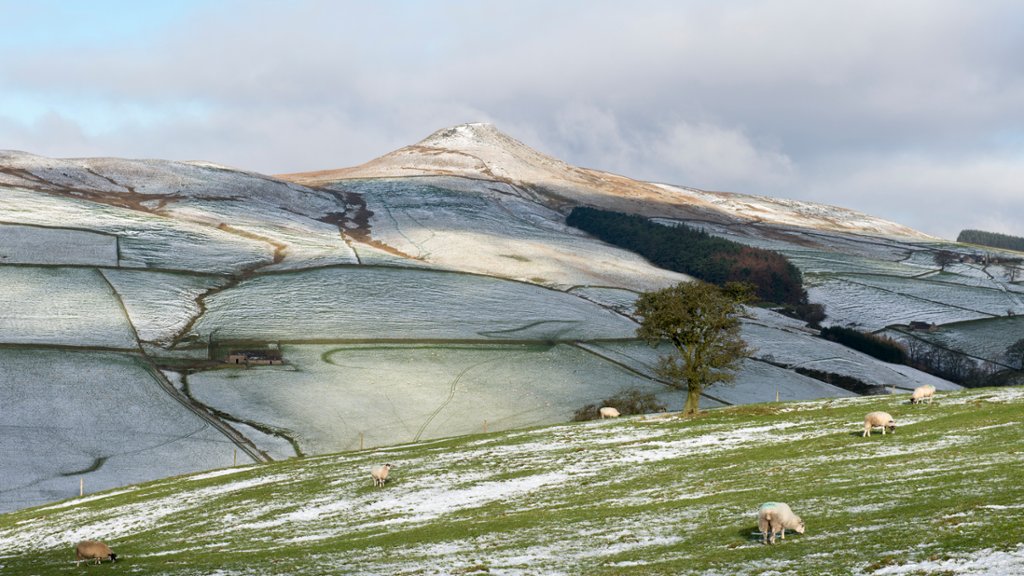
Shutlinsloe, Peak District National Park, UK
Sign in to add this photo to your favorites and desktop wallpaper rotation.
Shutlingsloe is a prominent hill located in the Peak District National Park in England. It is part of the Cheshire County Top Challenge, which involves climbing the highest point in each of Cheshire's historic hundreds. Shutlingsloe is the highest point in the hundred of Macclesfield Forest and Wildboarclough, standing at 506 meters (1,660 feet) above sea level. The name Shutlingsloe is believed to come from the Old English words "scyttel" and "hlaw," meaning "a hill with a steep side." The hill is known for its distinctive shape, with a steep, conical summit that offers stunning panoramic views of the surrounding countryside. Shutlingsloe is a popular destination for hikers and walkers, with several footpaths leading to the summit. The walk to the top can be challenging, particularly in wet or windy conditions, but the views from the summit make it well worth the effort. The hill is also home to a variety of wildlife, including birds of prey such as kestrels and buzzards, as well as rare plant species. It is considered an important site for conservation and is designated as a Site of Special Scientific Interest (SSSI). Overall, Shutlingsloe is a beautiful and iconic landmark in the Peak District, offering visitors the chance to experience the natural beauty and tranquility of the English countryside.