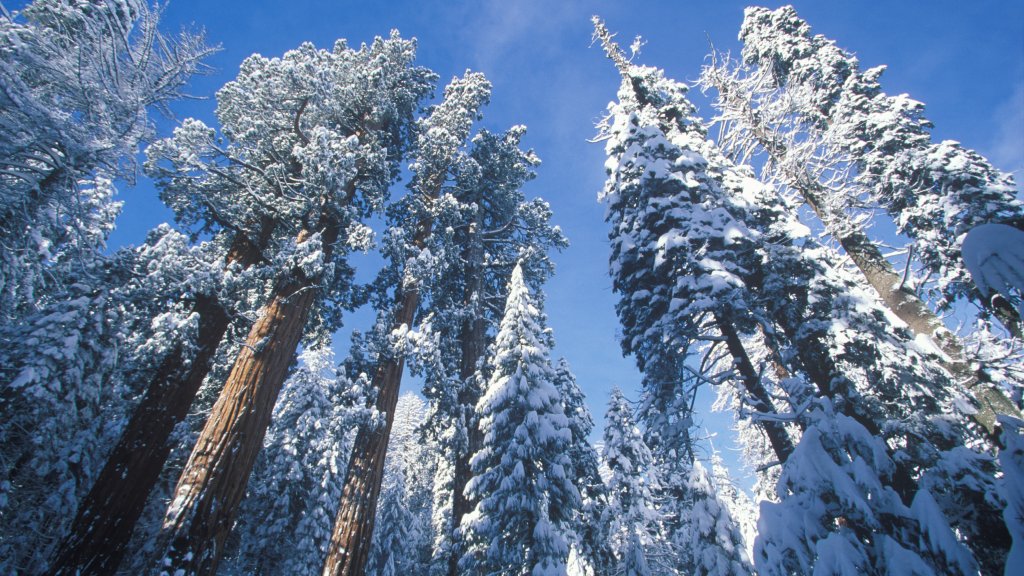
Redwoods Covered in Snow, Sequoia National Park, CA
Sign in to add this photo to your favorites and desktop wallpaper rotation.
Redwoods in Sequoia National Park, California, present a breathtaking and serene winter landscape. Sequoia National Park is renowned for its giant sequoia trees, including the General Sherman Tree, which is one of the largest trees in the world by volume. During winter, the park transforms into a snowy wonderland, offering a unique perspective on these ancient giants. The snow blankets the forest floor and clings to the branches of the towering redwoods, creating a striking contrast between the white snow and the rich, reddish-brown bark of the trees. This picturesque scene is a favorite among photographers and nature enthusiasts who seek to capture the tranquil beauty of the park in winter. Visiting Sequoia National Park in the snow provides opportunities for various winter activities such as snowshoeing and cross-country skiing. The park's trails offer a peaceful escape into nature, where visitors can enjoy the quiet solitude and the crisp, fresh air of the Sierra Nevada mountains. It's important for visitors to be prepared for winter conditions, as roads can be icy and some areas may be inaccessible due to snow. Checking weather conditions and road closures before visiting is advisable. Despite the challenges, experiencing the redwoods covered in snow is a magical experience that highlights the majestic beauty and resilience of these ancient trees.