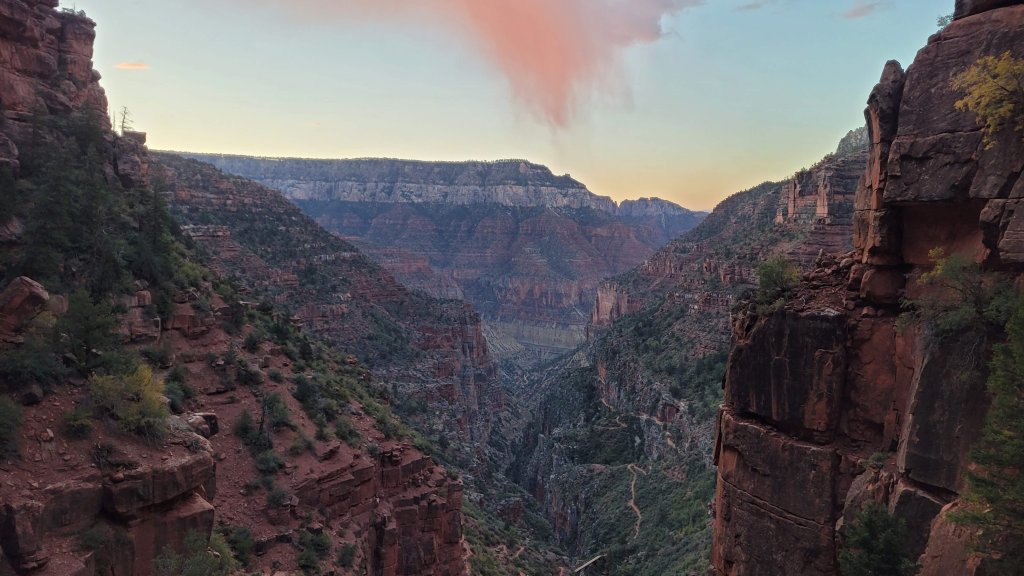
North Rim Sunrise, Grand Canyon National Park, AZ
Sign in to add this photo to your favorites and desktop wallpaper rotation.
Grand Canyon National Park, located in northern Arizona, is one of the most iconic and breathtaking natural landmarks in the United States. Established as a national park in 1919, it covers over 1.2 million acres and is renowned for its immense size and its intricate and colorful landscape. The park's central feature is the Grand Canyon, a massive gorge carved by the Colorado River over millions of years. The canyon stretches approximately 277 miles in length, up to 18 miles in width, and over a mile deep, offering spectacular views and a diverse range of geological formations. The park is divided into two main areas: the South Rim and the North Rim. The South Rim is the most accessible and popular part of the park, open year-round and offering numerous visitor facilities, including lodges, restaurants, and a visitor center. It provides stunning viewpoints, such as Mather Point, Yavapai Observation Station, and Desert View Watchtower. The North Rim, which is higher in elevation and more remote, is open from mid-May to mid-October and offers a more secluded experience with fewer visitors. Grand Canyon National Park is a haven for outdoor enthusiasts, offering a variety of activities such as hiking, backpacking, rafting, and mule rides. Popular trails include the Bright Angel Trail, South Kaibab Trail, and the challenging Rim-to-Rim hike. The park is also a designated UNESCO World Heritage Site, recognized for its outstanding natural beauty and geological significance. Wildlife in the park is diverse, with species such as mule deer, bighorn sheep, and numerous bird species inhabiting the area. The park's climate varies significantly with elevation, with the South Rim experiencing hot summers and cold winters, while the North Rim tends to be cooler and receives more precipitation. Visitors to Grand Canyon National Park can also enjoy ranger-led programs, educational exhibits, and cultural demonstrations that highlight the rich history and cultural heritage of the region, including the significance of the cany...