Mount Rainier National Park, WA
Sign in to add this photo to your favorites and desktop wallpaper rotation.
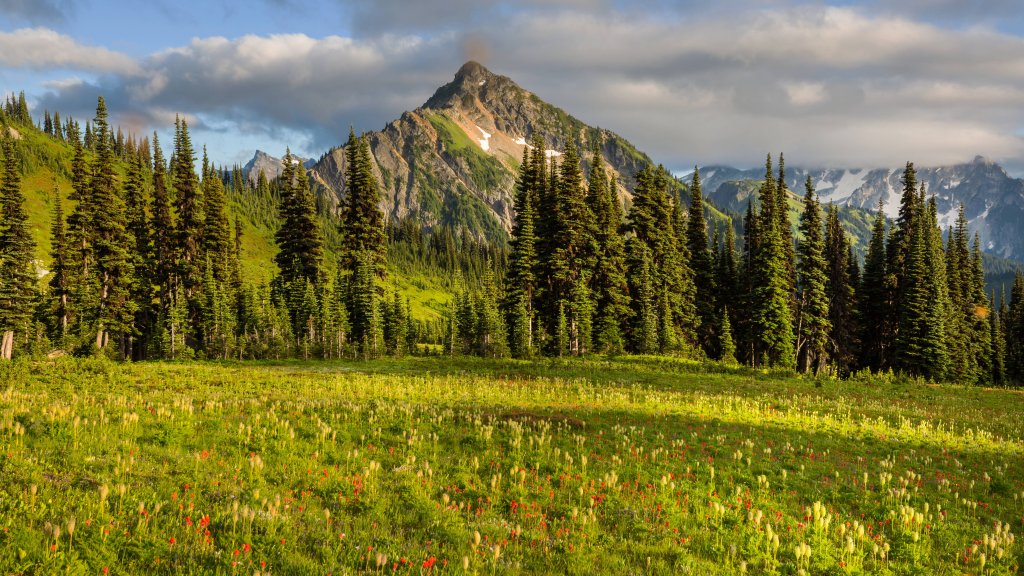
Mount Rainier National Park is located in the state of Washington in the Pacific Northwest region of the United States. It is named after Mount Rainier, a massive stratovolcano that is the highest peak in the Cascade Range at 14,410 feet. The national park was established in 1899 and covers an area of over 236,000 acres, including old-growth forests, alpine meadows, and glaciers. The park is a popular destination for outdoor enthusiasts, offering a wide range of activities such as hiking, camping, climbing, and wildlife viewing. Some of the park's most popular attractions include the Paradise area, known for its stunning wildflower displays and panoramic views of the mountain, as well as Sunrise, the highest point in the park that offers incredible views of the surrounding landscape. Mount Rainier National Park is also home to a diverse array of wildlife, including black bears, elk, mountain goats, and marmots. The park is a designated wilderness area, meaning that visitors can experience the beauty of the natural landscape in its unspoiled state. Overall, Mount Rainier National Park is a must-visit destination for nature lovers and outdoor enthusiasts looking to explore the stunning beauty of the Pacific Northwest.