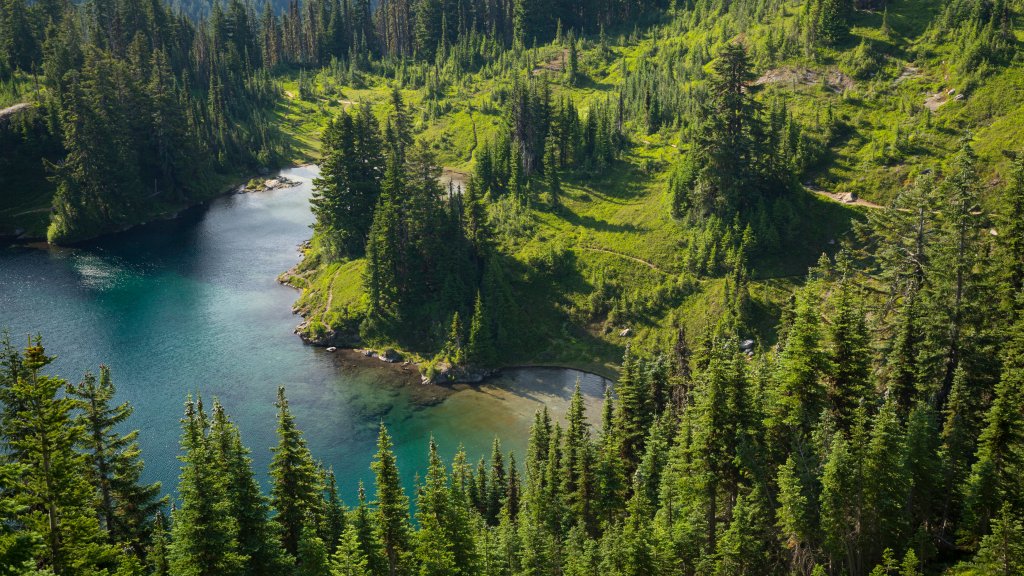
Eunice Lake, Mt. Rainier National Park, WA
Sign in to add this photo to your favorites and desktop wallpaper rotation.
Eunice Lake is a picturesque alpine lake located within the boundaries of Mount Rainier National Park in Washington State. It is a popular destination for hikers due to its stunning natural beauty and relatively accessible trail. The lake is situated at an elevation of approximately 5,200 feet and offers breathtaking views of the surrounding landscape, including a striking view of Mount Rainier itself. The most common way to reach Eunice Lake is via the Tolmie Peak Trail, which is a moderately challenging hike. The trailhead is located at Mowich Lake, and the hike to Eunice Lake is about 3.5 miles round trip. The trail winds through lush forests and meadows, providing opportunities to see a variety of wildflowers and wildlife along the way. Once at the lake, hikers can enjoy the serene setting and, if they choose to continue, can hike further to the Tolmie Peak Lookout for panoramic views of the region. Eunice Lake is a great spot for photography, picnicking, and simply enjoying the tranquility of nature. However, visitors should be prepared for changing weather conditions, as the area can experience sudden shifts in weather, especially at higher elevations. It's important to check trail conditions and park regulations before heading out, as snow can linger on the trail well into the summer months.