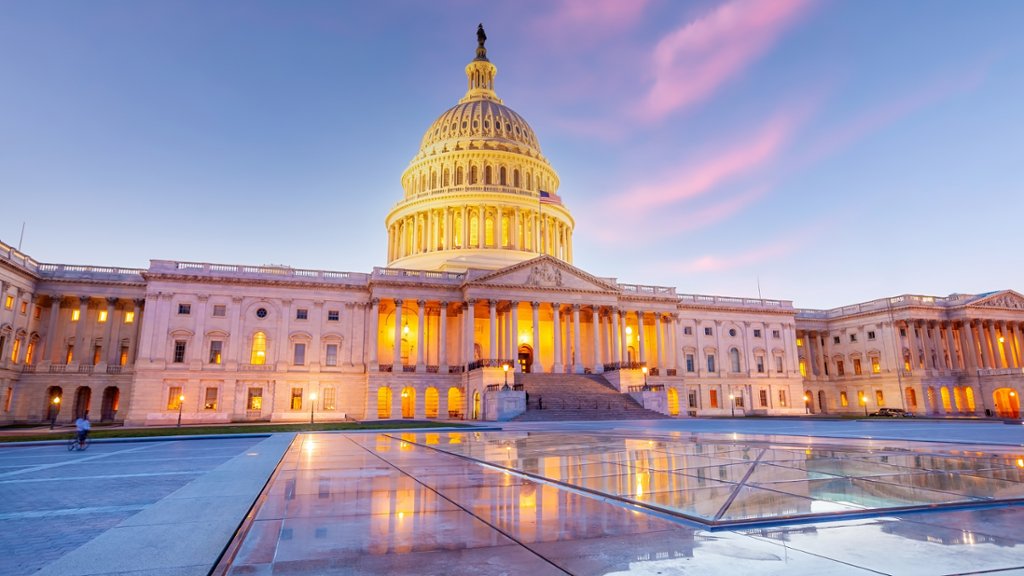
United States Capitol Building, Washington D.C.
Sign in to add this photo to your favorites and desktop wallpaper rotation.
The United States Capitol Building is located in Washington D.C. and serves as the home of the United States Congress. It is one of the most iconic buildings in the United States and is a symbol of American democracy. The Capitol Building was designed by architect William Thornton and construction began in 1793. It has undergone several expansions and renovations over the years, with the most recent renovation completed in 2016. The building is made up of three main parts: the central dome, the House of Representatives wing, and the Senate wing. The central dome is topped with the Statue of Freedom and is one of the most recognizable features of the Capitol Building. The Capitol Building is where the United States Congress meets to conduct legislative business, including passing laws, debating issues, and overseeing the federal government. It is also the site of important events such as presidential inaugurations and state funerals. The Capitol Building is open to the public for tours, where visitors can learn about the history and architecture of the building, as well as the workings of the United States Congress. It is a must-see landmark for anyone visiting Washington D.C.