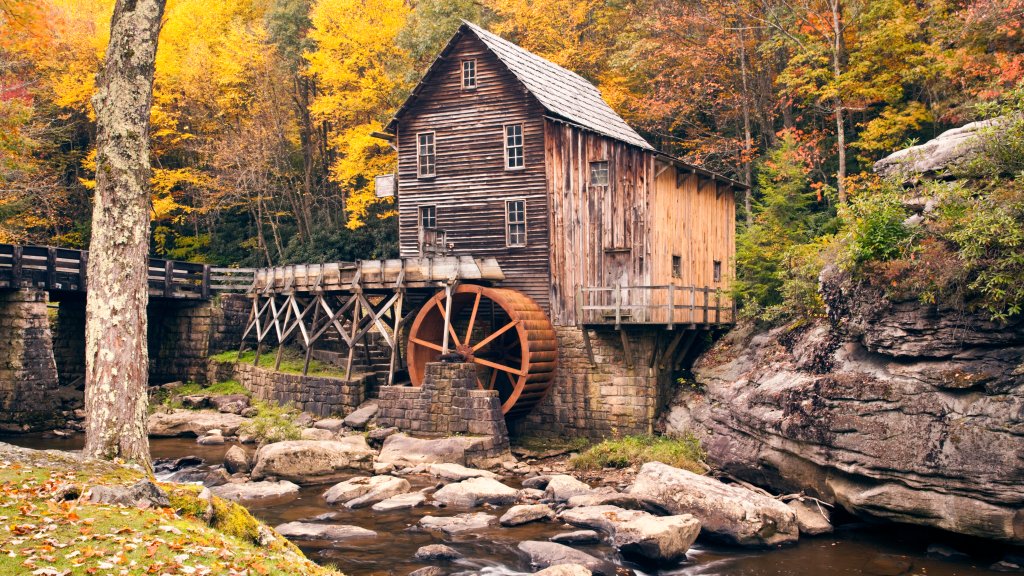
Glade Creek Grist Mill, Babcock State Park, WV
Sign in to add this photo to your favorites and desktop wallpaper rotation.
The Glade Creek Grist Mill is a picturesque and historic landmark located within Babcock State Park in West Virginia. This fully operational mill is a re-creation of a classic Appalachian grist mill and is one of the most photographed sites in the state. Built in 1976, the mill was constructed using parts salvaged from three older mills, including the Stoney Creek Grist Mill, which dates back to 1890. The mill is set against the scenic backdrop of the park's lush forests and flowing streams, making it a popular spot for photographers and nature enthusiasts. Babcock State Park itself spans over 4,000 acres and offers a variety of outdoor activities, including hiking, fishing, and camping. The park's diverse landscape features rugged terrain, serene waterfalls, and abundant wildlife, providing visitors with ample opportunities to explore and enjoy the natural beauty of West Virginia. The Glade Creek Grist Mill is not only a functional piece of history but also serves as a symbol of the region's rich cultural heritage, attracting visitors from all over who come to experience its charm and tranquility.